 Jamallta Films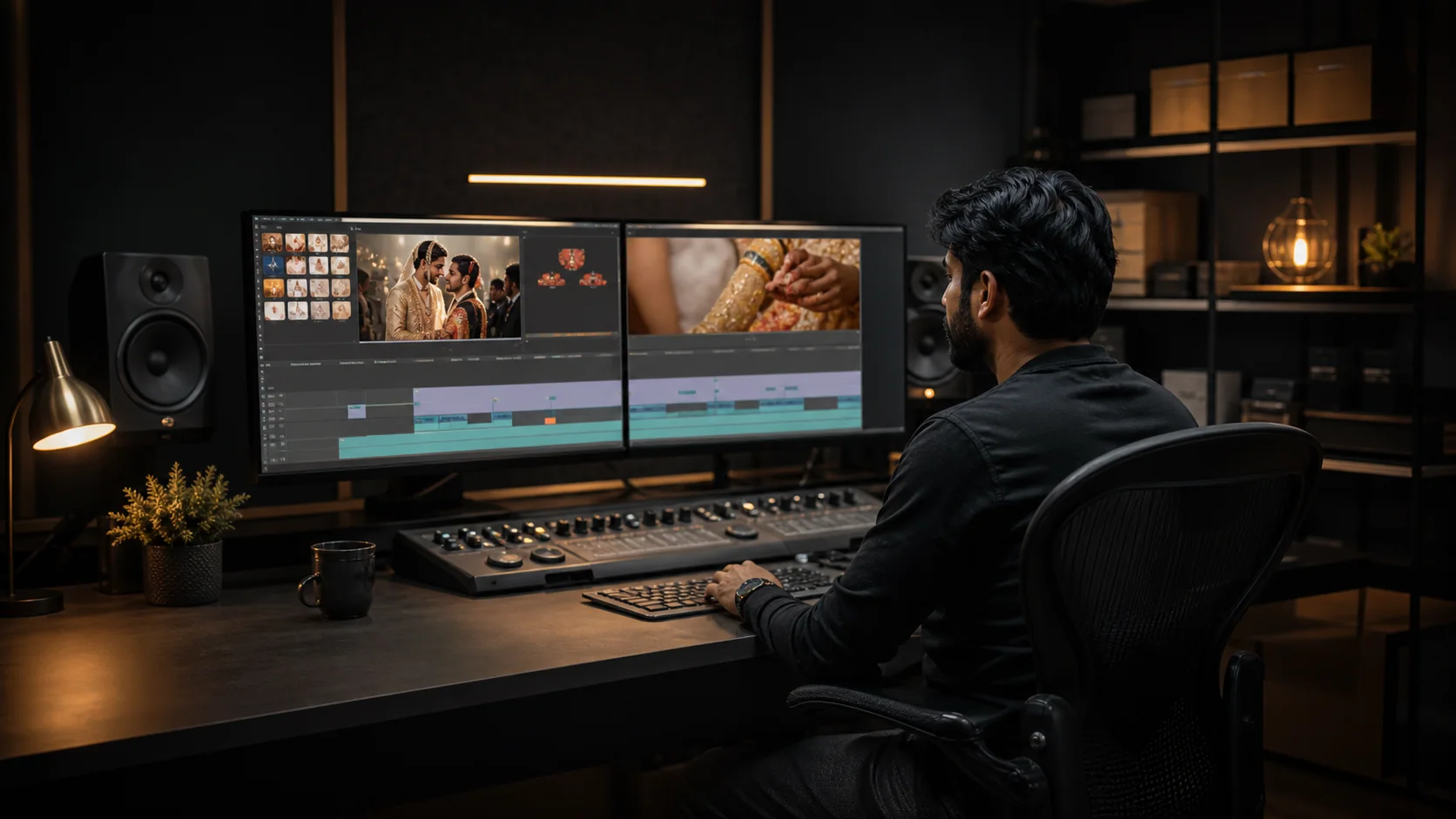
Where Premiere Pro fits our work
Premiere Pro is primarily a timeline and editorial tool in our workflow. It is useful when a story needs many source files, synced cameras, spoken audio, graphics, captions and multiple delivery versions.
Story-led cuts
Selections, assemblies, fine cuts, pacing, B-roll, dialogue and music can be shaped in one organised sequence.
One story, many formats
Long-form masters, trailers, reels, Shorts, clean copies and captioned versions can follow a controlled version structure.
Our Premiere editing workflow
- 01Project setup
Original media is checked, folders and bins are organised, and proxies are considered for heavy formats.
- 02Sync & assembly
Cameras and external audio are aligned before an assembly cut is built.
- 03Fine edit
Story, rhythm, dialogue, B-roll, music, titles and requested graphics are refined.
- 04Finish & export
Colour and sound are completed in the appropriate workflow before technical quality checks and delivery.
Premiere Pro for wedding post-production
It can support teaser, highlight, documentary and traditional wedding timelines. Must-include rituals, family members, speeches and couple sequences are marked from the brief; long events can be divided into clear chapters and multiple outputs.
Software cannot replace missing footage, damaged audio or an unclear brief. We confirm what is realistically recoverable after reviewing the source material.
Project compatibility and hand-off
Project files are not automatically included with every final-video quote. If a studio needs a relinkable hand-off, the Premiere version, plugins, fonts, media paths, proxies, linked graphics and third-party assets must be agreed before work begins.
- Consolidated feedback is preferred over scattered messages.
- Custom plugins and licensed templates may not transfer between systems.
- Clients must keep an independent backup of all original media.
- Final exports are supplied according to the written scope.
Illustrative before & after
From a flat camera frame to a story-ready wedding finish
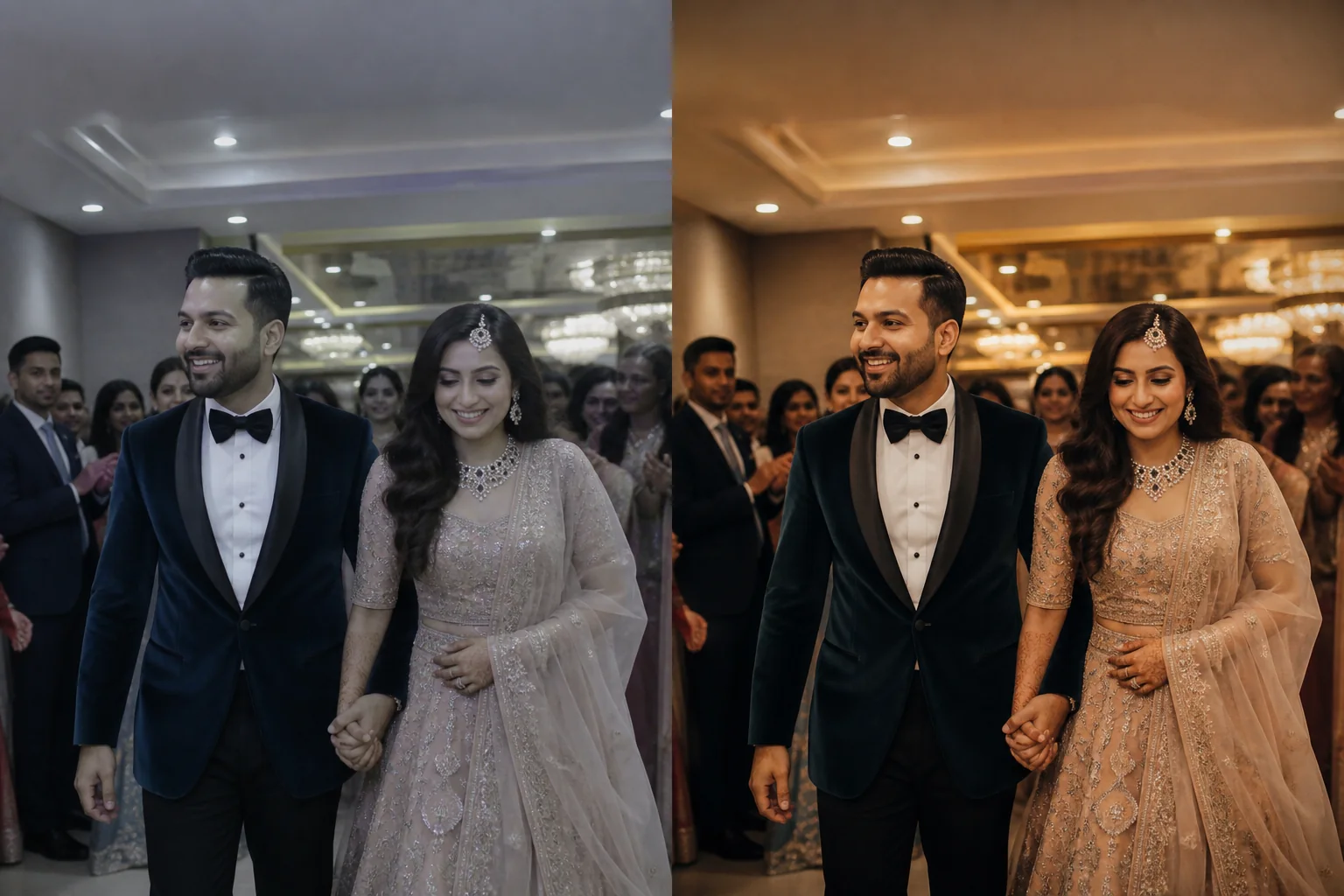 Before · source issueAfter · corrected finish
What needed attention
The illustrative source frame is cool and flat, with weak subject separation and no finished visual direction.
What was corrected
Exposure, framing, pacing-frame selection and warm-neutral tone are balanced so the couple reads clearly without changing their identity.
This is a realistic AI-generated demonstration created to explain the type of correction—not a real client before/after and not proof of a specific paid project. Actual results depend on source quality and approved scope.
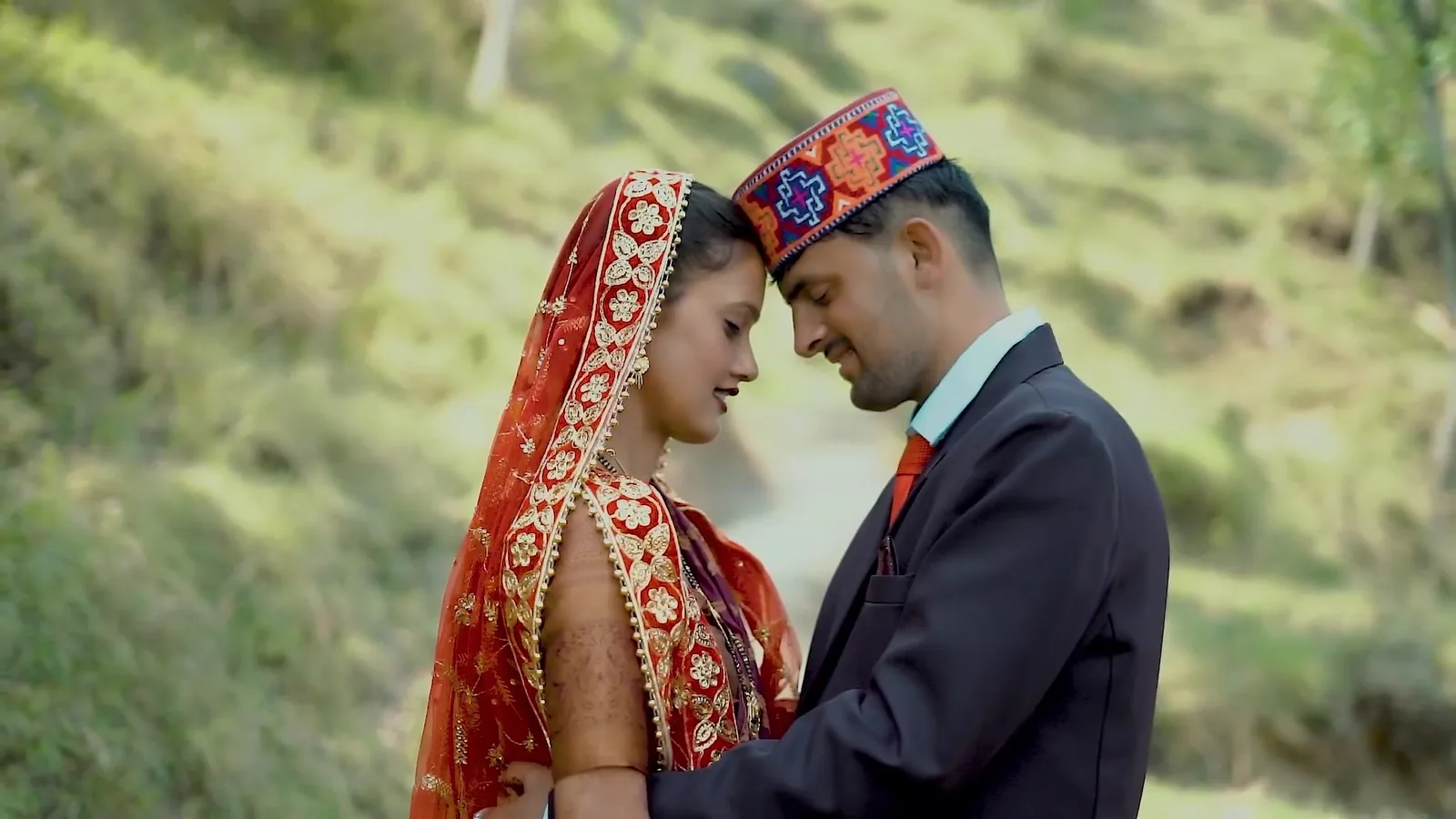 Official public video · YouTubeSubhash & Anju — public wedding highlightWatch at the original source ↗